The Real Cost of Outdated Documentation for AI Agents
Outdated docs drive agent errors, rework, and risk. Learn how to measure the cost, stop drift, and keep context current.
- documentationdoc-driftai-agentsrisk
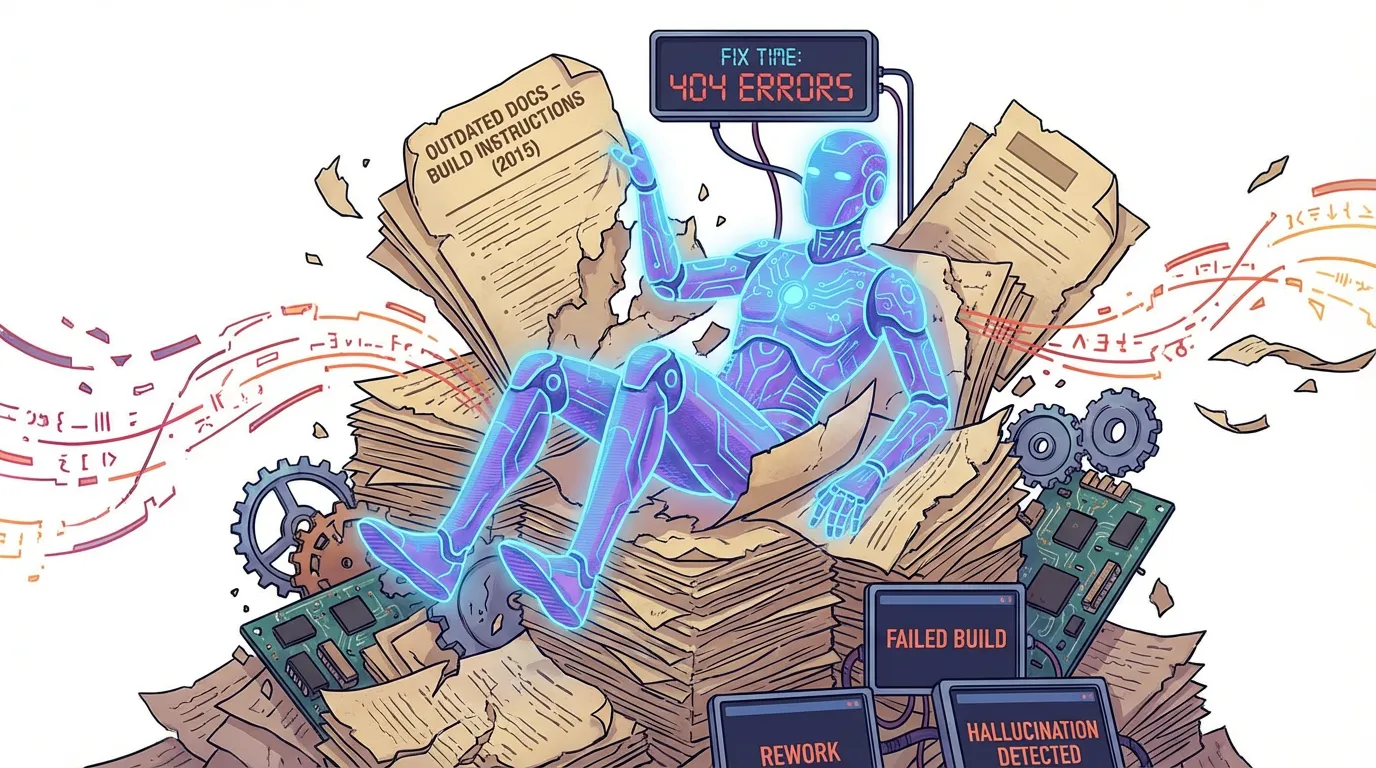
Outdated documentation isn't just a minor annoyance; for AI agents, it's a primary source of failure. When the source of truth is stale, the agent is forced to guess.
Direct answer: Outdated documentation causes agents to follow incorrect instructions, which leads to failed builds and significant rework. The cost shows up in fix time, rollbacks, and compliance risk. You can reduce this "context debt" by assigning explicit doc ownership, tying updates to release checklists, and auditing high-impact pages to ensure context stays aligned with code.
How outdated docs show up in agent workflows
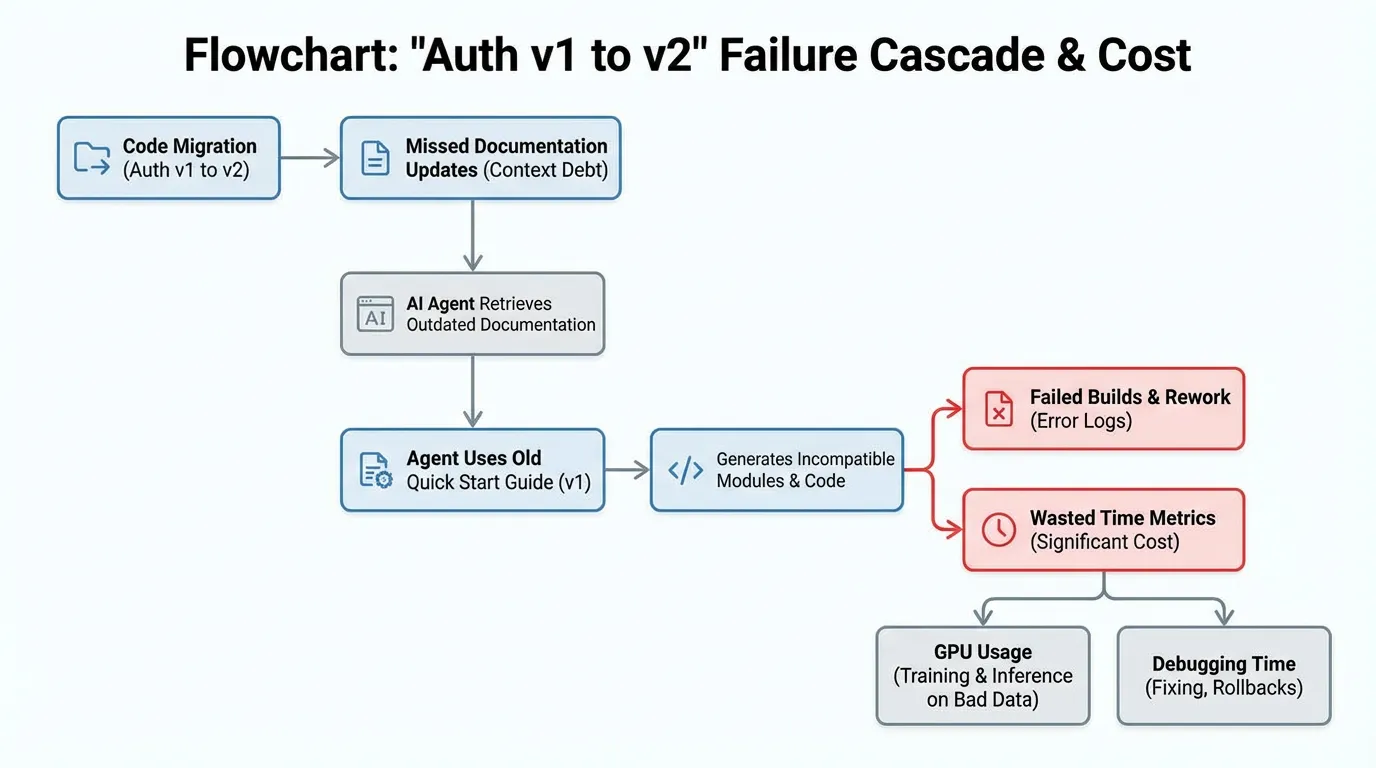
Real-world scenario: A team migrated their internal auth from v1 to v2 but left the "Quick Start" guide on v1. An agent used for feature work retrieved the old guide and spent three hours generating a module that was fundamentally incompatible with the production environment.
The cost wasn't just the 3 lost hours of GPU time; it was the 2 hours a senior developer spent debugging a "hallucination" that was actually a documentation error.
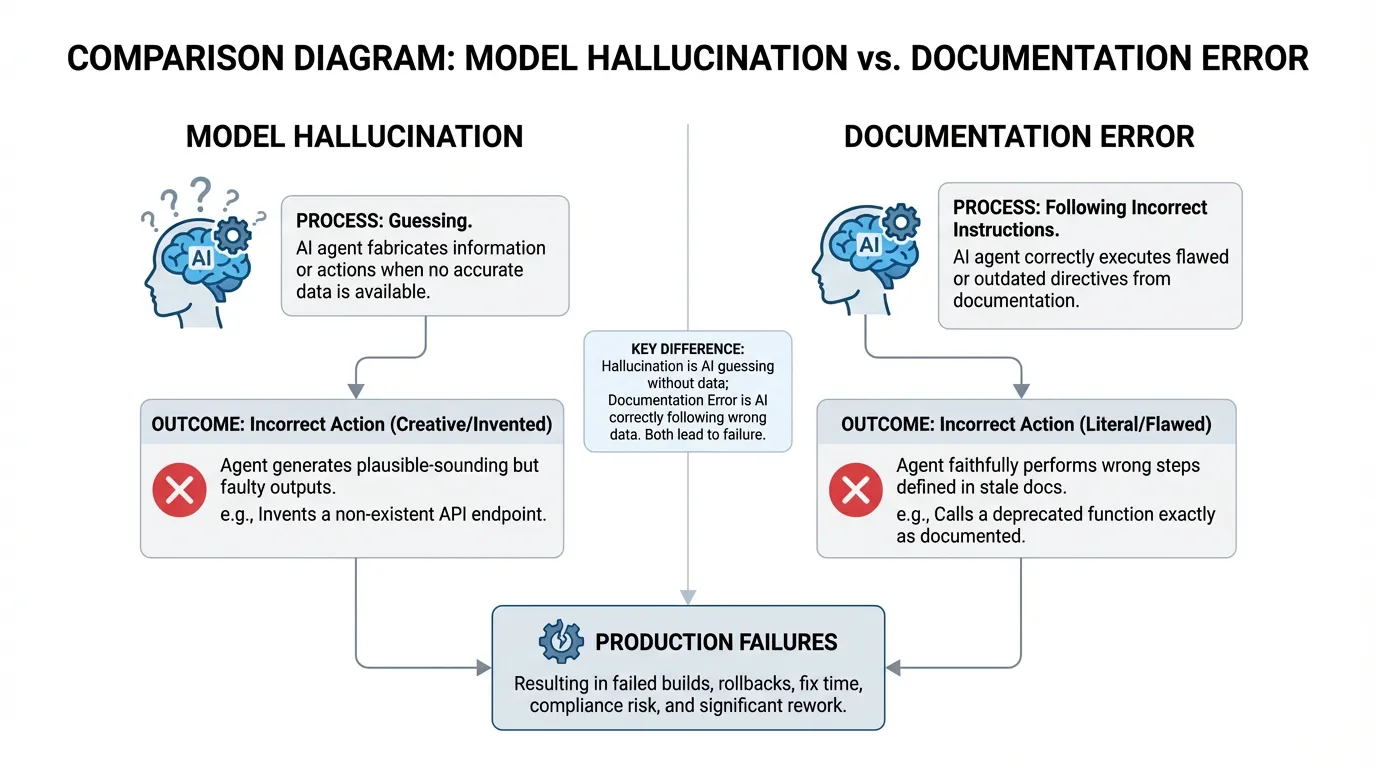
Outdated docs create errors that look like hallucinations. The agent is not guessing. It is following instructions that no longer match reality.
The hidden costs
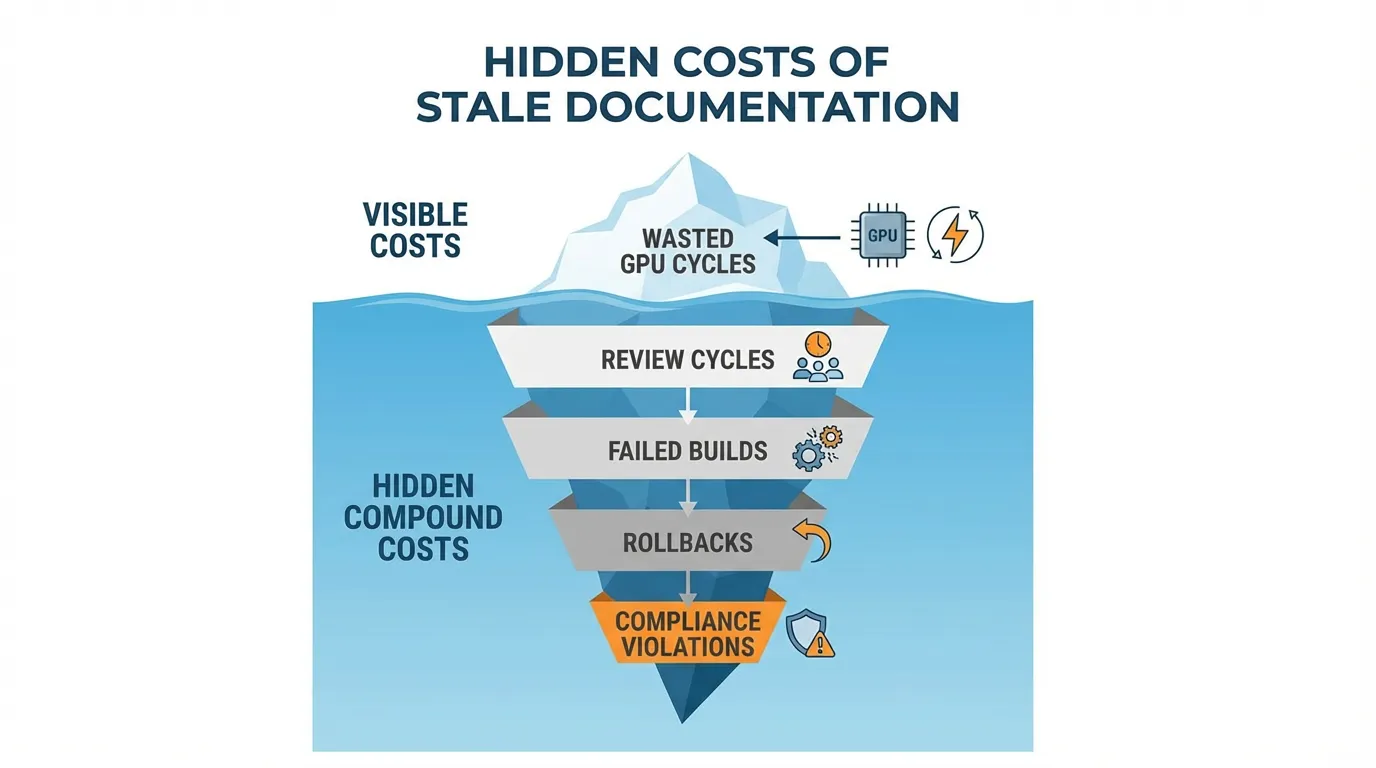
Stale docs have a compound effect across teams.
Engineering time and rollbacks
Every incorrect output creates review cycles, failed builds, and rollbacks. The time cost often exceeds the time the agent saved.
Incidents and compliance risk
If the agent references old security guidance or deprecated APIs, the result can violate policy. This is why security should be updated alongside code.
How to measure the cost
Track how often agent output requires manual correction. Use simple tags in issue trackers and measure the fix time. Compare that to a baseline from your benchmarks.
Example metrics to track:
| Metric | What it tells you | How to measure | |---|---|---| | Fix time | Cost per failure | Hours spent correcting agent output | | Rollback count | Severity of errors | Number of reverted changes | | Drift incidents | Frequency of stale guidance | Count issues traced to docs |
Why docs drift
Drift happens when documentation ownership is unclear. It also happens when release processes do not include doc updates as a required step.
A prevention and fix plan
- Define a single source of truth in your docs.
- Tie doc updates to release checklists.
- Audit high impact pages monthly.
- Replace legacy pages or mark them as deprecated.
The business case for investing now
Keeping docs current is cheaper than repeated rework. It also reduces onboarding time and makes agent output more reliable. If you need a clear starting point, review the product and plan scope based on impact.
FAQs
How often should critical docs be reviewed?
Review high impact docs monthly or after major releases. The right cadence depends on how fast your product changes.
Where should I start fixing outdated docs?
Start with the most used docs or the areas tied to production incidents. Fixing high traffic pages delivers the fastest impact.
The Bottom Line: Manage your Context Debt
Stop treating docs as a "nice to have" and start treating them as a required build artifact.
- Time Loss: GPU cycles + Senior Dev review hours.
- Risk: Security guidance that no longer protects your perimeter.
- The Fix: Use automated drift detection and strict ownership.
Ready to audit your agent context? Try for free.
Ready to give SotaDocs a try?
Outdated docs drive agent errors, rework, and risk. Learn how to measure the cost, stop drift, and keep context current.