Benchmarking Agent Accuracy: A Practical Guide
Learn how to benchmark agent accuracy with realistic tasks, baselines, and repeatable evaluation loops.
- benchmarksevaluationaccuracyai-agents
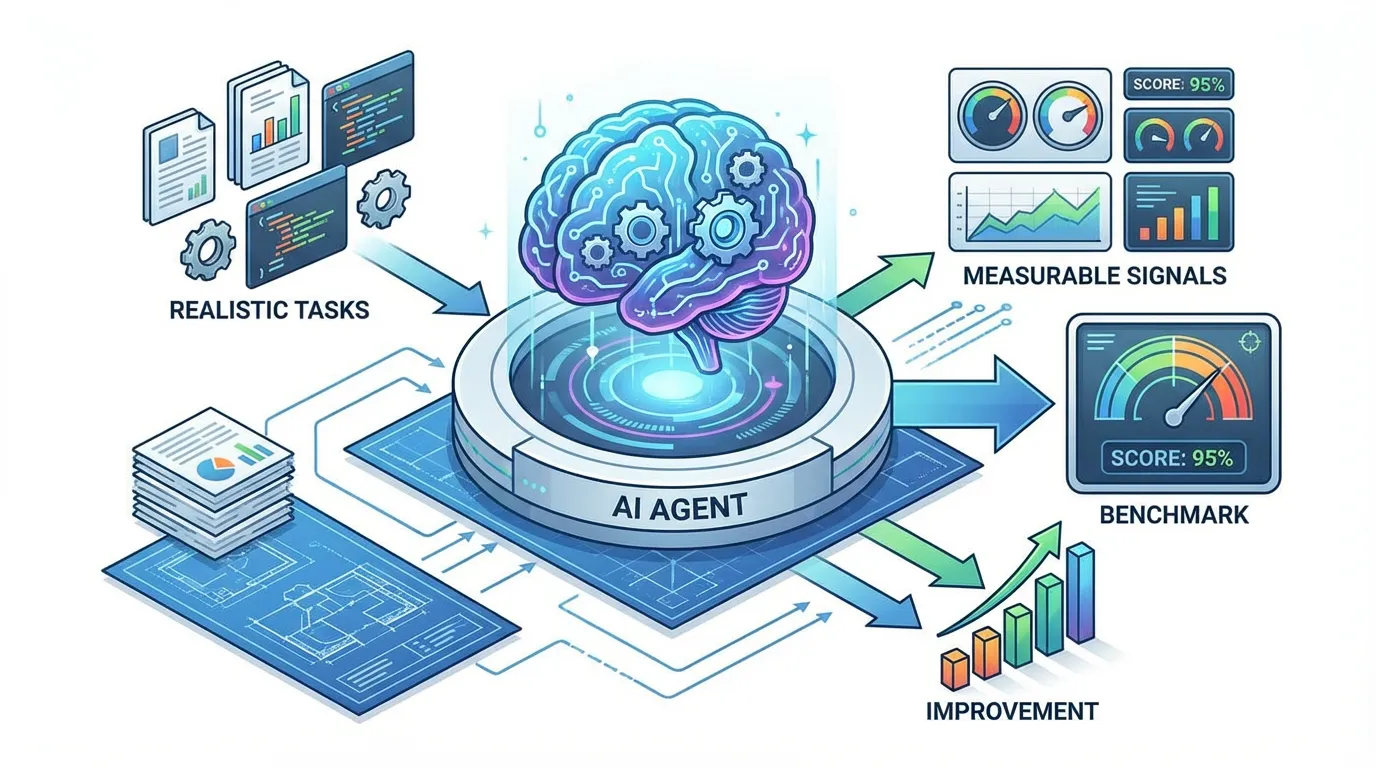
Benchmarks turn agent performance into something you can track and improve. Without benchmarks, you are guessing whether changes help or hurt.
This guide shows how to build a practical benchmark that reflects real work.
Direct answer: Benchmarking agent accuracy means defining realistic tasks, establishing a baseline score, and running repeatable experiments. Change one variable at a time and track results to avoid false conclusions. This makes improvements measurable and prevents regressions. Document the setup for future runs.
Why benchmarks matter
Benchmarks reveal failure modes and prevent regressions. They also help you compare retrieval strategies and prompt changes over time.
Define tasks and datasets
Pick tasks that reflect real workflows. Include tasks that require accurate use of current docs. Use a small set first, then expand.
Build a baseline
Run the agent on the tasks and record the results. Store baselines in a stable place such as benchmarks.
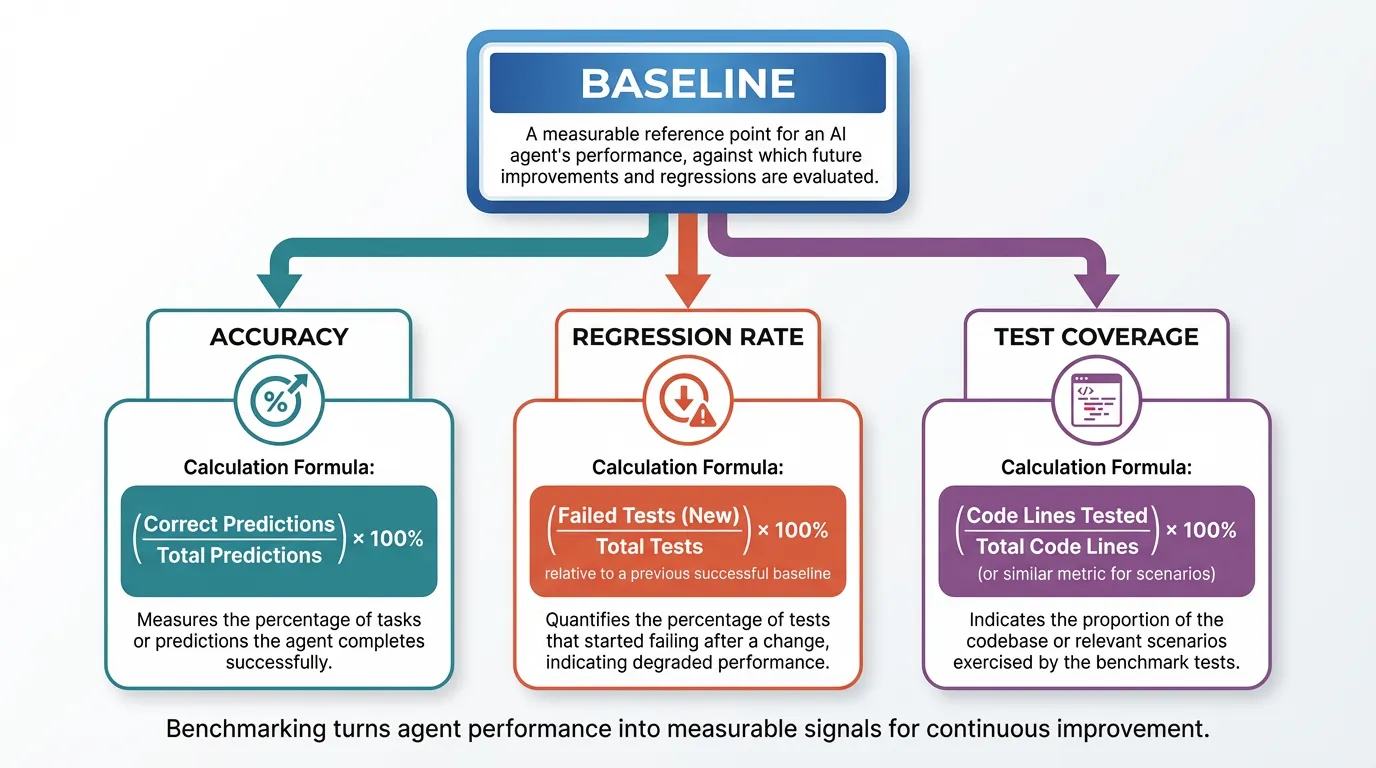
Example metrics to track:
| Metric | What it tells you | How to measure | |---|---|---| | Baseline accuracy | Current performance | Correct tasks / total tasks | | Regression rate | Stability over time | Drops in accuracy across runs | | Test coverage | Scope of benchmark | Tasks covered / total critical tasks |
Run experiments
Change one variable at a time, such as retrieval mode or prompt instructions. Measure the impact on accuracy.
Example (hypothetical): You run the same 20 tasks weekly and see accuracy drop after a prompt change, so you roll it back.
Interpret results
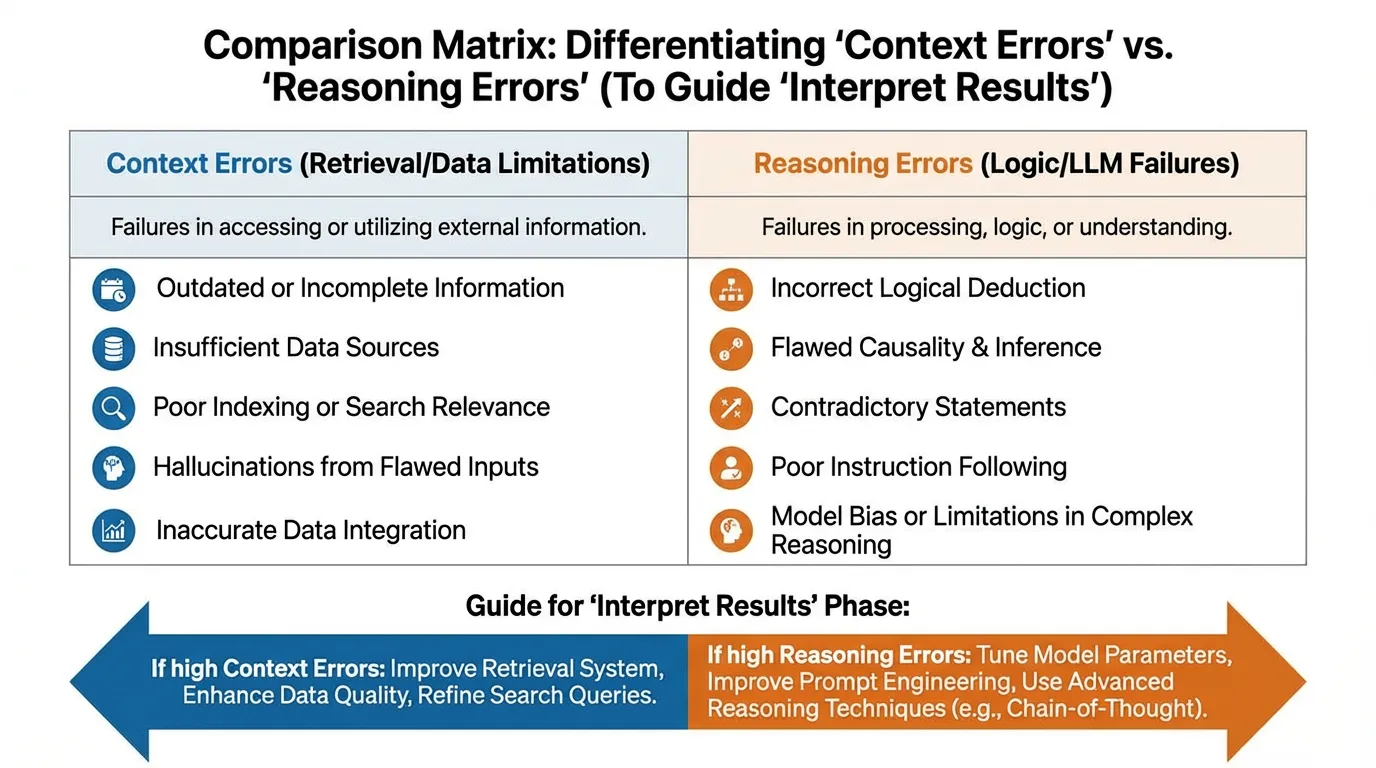
Look beyond pass or fail. Track which errors are due to context and which are due to reasoning.
Benchmark checklist
- Tasks reflect real workflows.
- Baseline is recorded and versioned.
- Only one variable changes per run.
- Results are logged and reviewed.
Keep benchmarks current
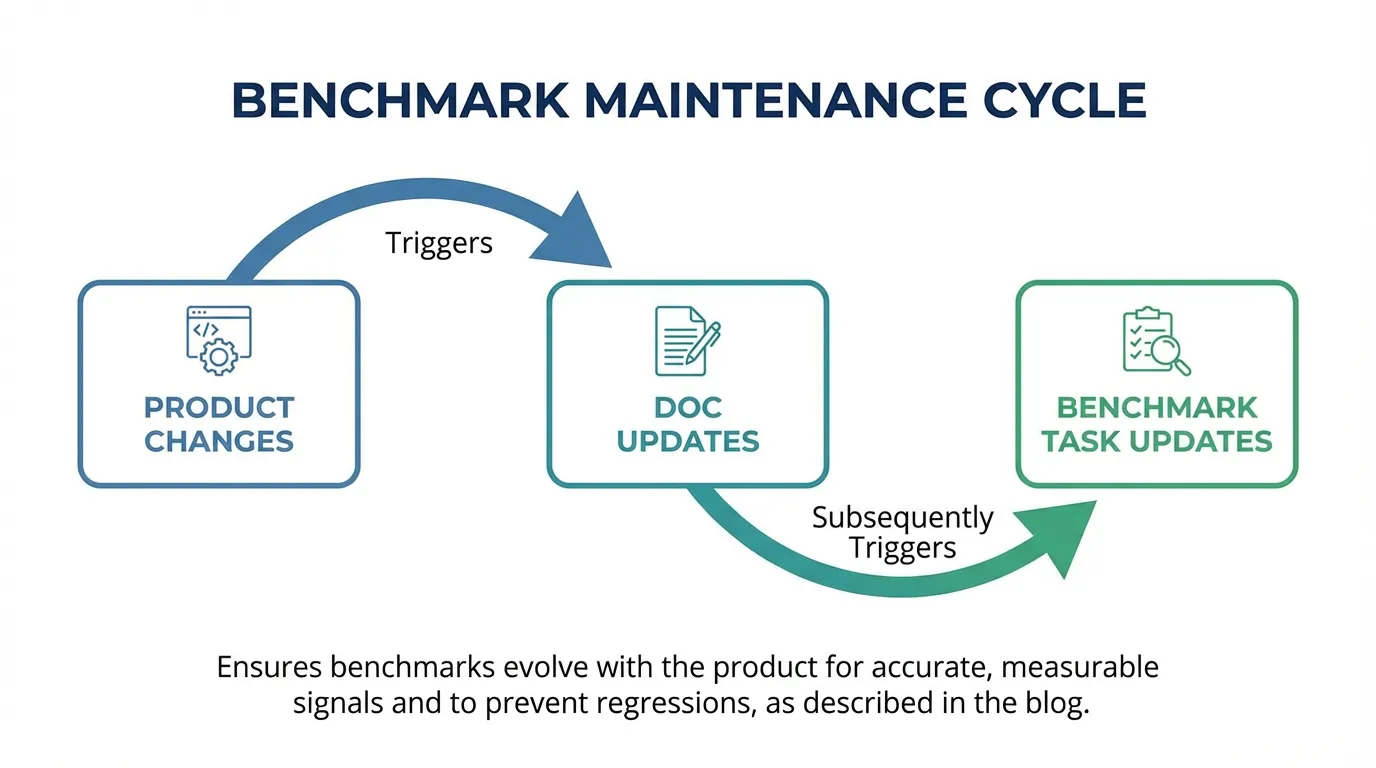
Update tasks when the product changes. If your docs change often, align updates with docs and review regularly.
FAQs
How often should I run benchmarks?
Run them after major changes and on a regular cadence such as weekly. Consistency is more important than frequency.
What if benchmarks are too expensive?
Use a smaller task set for frequent runs and reserve full benchmarks for release gates. This balances cost and coverage.
Summary and next step
Key takeaways:
- Benchmarks create a measurable baseline.
- Change one variable at a time.
- Keep tasks current as the product evolves.
Ready to apply this? Try for free.
Ready to give SotaDocs a try?
Learn how to benchmark agent accuracy with realistic tasks, baselines, and repeatable evaluation loops.